Framer vs Webflow: Which One Should Startup Founders Choose?

At early stage, your website is a credibility engine. It needs to look sharp, load fast, and convert. Whether you choose Framer or Webflow will affect how quickly you ship, how much you rely on developers, and how painful future updates become.
From working with AI, Web3, SaaS, and EdTech founders at Tribe, we’ve seen both platforms win — and both platforms slow teams down. The difference usually isn’t technical. It’s strategic.
So instead of a feature-by-feature checklist, let’s break this down the way founders actually think: Speed. Scalability. Control. Momentum.
Because the right answer depends less on the tool — and more on your stage.
What Framer Is Best At
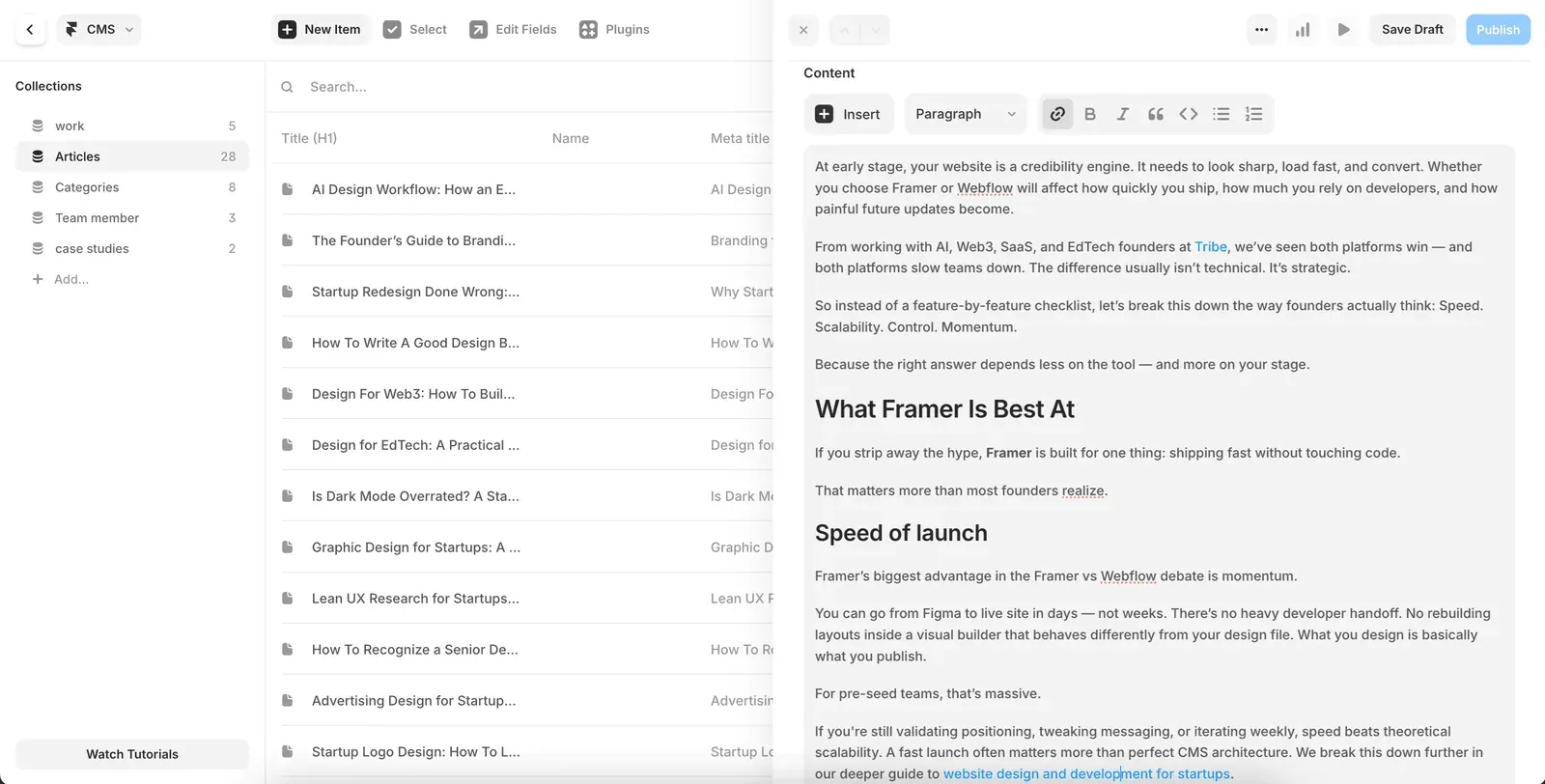
If you strip away the hype, Framer is built for one thing: shipping fast without touching code.
That matters more than most founders realize.
Speed of launch
Framer’s biggest advantage in the Framer vs Webflow debate is momentum.
You can go from Figma to live site in days — not weeks. There’s no heavy developer handoff. No rebuilding layouts inside a visual builder that behaves differently from your design file. What you design is basically what you publish.
For pre-seed teams, that’s massive.
If you’re still validating positioning, tweaking messaging, or iterating weekly, speed beats theoretical scalability. A fast launch often matters more than perfect CMS architecture. We break this down further in our deeper guide to website design and development for startups.
Clean design without dev bottlenecks
Framer is opinionated — in a good way.
It pushes you toward clean layouts, strong typography, and modern spacing. You don’t need to understand CSS grids to get something that looks sharp. For non-technical founders, that removes friction.
For technical founders, it removes unnecessary overhead.
You can:
- Adjust layouts visually
- Publish instantly
- Update copy without calling your developer
That autonomy is underrated. Especially in early-stage AI, SaaS, and Web3 projects where messaging evolves weekly.
Built-in animations and modern feel
Framer also wins on native interactions.
Smooth transitions, scroll animations, and subtle micro-interactions are built in — not bolted on. You don’t need third-party scripts or complicated logic.
That means your site can feel “premium” without engineering hours.
In categories where trust matters (fintech, crypto, AI), that polish goes a long way.
Where Framer struggles
Here’s where things get real.
Framer is not ideal for:
- Massive content-heavy sites
- Complex multi-layer CMS structures
- Enterprise-level SEO architecture
- Large-scale marketing libraries
If you’re planning 200+ dynamic blog pages, resource hubs, or intricate filtering systems, you’ll start feeling friction.
At that point, you’re no longer in “ship fast” mode. You’re in “build infrastructure” mode.
And that’s where Webflow starts making more sense.
What Webflow Is Best At
If Framer is about speed, Webflow is about control.
In the Framer vs Webflow debate, Webflow wins when your website starts behaving less like a landing page — and more like infrastructure.
Advanced CMS and scalability
This is Webflow’s biggest strength.
Its CMS is significantly more flexible than Framer’s. You can build complex collections, nested structures, dynamic templates, filtered views, and content relationships without custom code.
That matters when:
- Your blog becomes a serious acquisition channel
- You’re building resource hubs, case study libraries, or job boards
- You need multi-layer filtering and tagging
- SEO becomes a growth engine
If your site is going to house dozens (or hundreds) of structured pages, Webflow gives you the architectural depth Framer currently lacks.
For founders thinking long-term content strategy, this flexibility can compound.
Complex page structures
Webflow behaves more like a visual frontend framework.
You get deeper layout control, more granular styling, and stronger logic options. That’s powerful — but it also introduces complexity.
Designers love this.
Founders? Not always.
Because with flexibility comes more room to over-engineer. Which is why we often tell early teams: don’t build enterprise infrastructure before you have enterprise traffic.
If you’re not sure how your website should evolve structurally, our breakdown of the startup design process helps clarify when to optimize for flexibility versus speed.
SEO flexibility and control
Both platforms support SEO basics — metadata, alt tags, clean URLs.
But Webflow gives you deeper structural control:
- Custom schema markup
- More advanced redirect logic
- Cleaner control over dynamic templates
- More scalable content architecture
If organic search is your primary acquisition channel, Webflow can give you more room to grow.
That said, most early-stage startups don’t lose rankings because of platform limitations. They lose because they don’t have distribution.
Where Webflow slows teams down
Here’s the tradeoff.
Webflow has a steeper learning curve.
- The designer often needs to “develop” inside Webflow
- Edits can break layouts if handled incorrectly
- Publishing workflows can feel heavier
- Iteration is slower compared to Framer
For product-led startups moving fast, that friction matters.
If your homepage messaging changes every two weeks, speed might be more valuable than structural depth.
And that’s where Framer re-enters the conversation.
Framer vs Webflow: Side-By-Side Comparison
Instead of another long explanation, here’s the founder version of the Framer vs Webflow debate:
Category
Framer
Webflow
Speed of launch
Extremely fast. Design and publish in one place.
Slower. More setup and structural configuration required.
Learning curve
Beginner-friendly. Minimal structural knowledge needed.
Steeper. Requires understanding layout systems and classes.
Design control
Strong for modern marketing sites. Opinionated.
Very high. More granular layout and styling control.
CMS power
Good for blogs and simple collections.
Advanced CMS with nested structures and dynamic relationships.
SEO flexibility
Covers essentials: metadata, clean URLs, sitemap.
Deeper structural SEO control and scalable CMS-driven logic.
Scalability
Best for lean marketing sites and MVP-stage startups.
Better for content-heavy, SEO-first, or scaling companies.
Performance
Fast when assets are optimized correctly.
Also fast when structured properly.
Best for
Pre-seed startups, fast-moving SaaS, landing pages.
Content-driven startups, larger marketing teams, complex sites.
Now the important nuance:
The tool itself rarely becomes the bottleneck.
Your growth stage does.
Early-stage founders often overestimate how much CMS power they’ll need — and underestimate how valuable speed is. If you’re still refining positioning, iterating weekly, or testing messaging, friction is your enemy.
But if content is your acquisition engine and you’re planning long-term SEO plays, Webflow’s structural depth gives you more room to scale.
The Real Question: What Stage Is Your Startup?

Here’s where most Framer vs Webflow comparisons miss the point.
The right platform isn’t about features.
It’s about stage.
Pre-seed and MVP stage
If you’re pre-seed, validating, or just shipped your MVP — speed should dominate your decision.
At this stage, you’re not creating infrastructure. You’re creating landing page design for positioning.
You’re testing:
- Messaging
- ICP clarity
- Investor narrative
- Early traction signals
You’ll likely change your headline five times in two months. Maybe your entire value prop shifts.
In this phase, Framer usually makes more sense.
You can:
- Ship in days
- Iterate without developer bottlenecks
- Maintain control as a founder
- Keep momentum high
Most early-stage founders who choose Webflow over-engineer too early. They build CMS structures for traffic they don’t yet have.
Speed compounds more than flexibility at this point.
Seed stage with traction
Now things get more nuanced.
You have:
- Clear positioning
- Early users
- Some consistent traffic
- Possibly content marketing starting to work
This is where both platforms can work.
If your marketing strategy is still landing-page driven and performance-focused, Framer remains strong.
If you’re investing seriously in SEO — publishing weekly, building a structured content engine — Webflow becomes more attractive.
The mistake here is assuming “we raised money” automatically means “we need more complexity.”
You don’t need infrastructure for ego. You need infrastructure for growth.
If you’re starting to rethink structure or considering rebuilding, it’s worth reviewing common pitfalls in a startup website redesign before making the jump.
Scaling SaaS with heavy CMS
Once your website becomes a real content engine, Webflow starts pulling ahead.
You may need:
- Structured blog categories
- Case study libraries
- Multi-author publishing
- Resource hubs
- Advanced filtering
- International pages
At this stage, the website is no longer just a credibility tool. It’s an acquisition channel.
Webflow’s CMS flexibility supports that scale better.
But here’s the nuance:
Many startups redesign too early.
They move platforms not because they hit real limits — but because they anticipate problems that haven’t materialized.
Start simple. Move fast. Upgrade when friction becomes real.
Because switching platforms later is inconvenient.
Losing early momentum is expensive.
Common Mistakes Founders Make When Choosing
This is where most Framer vs Webflow decisions go sideways.
Not because of the tools, but because of founder psychology.
Overbuilding too early
This is the classic one.
A pre-seed startup chooses Webflow, builds an elaborate CMS, designs 15 dynamic templates, and structures a blog strategy they won’t execute for 12 months.
Why?
Because “we’ll need it later.”
But later rarely looks like you expect.
Early-stage startups need momentum, not architecture. If your site is still validating positioning, a lighter setup often wins.
Letting developers drive a marketing decision
Developers tend to prefer tools that give them more structural control.
That makes sense.
But your marketing site is not your product backend.
If engineering complexity slows iteration, your growth experiments suffer. Your homepage should evolve weekly without friction.
The right platform is the one your team can confidently manage — not the one that looks more powerful in theory.
Optimizing for trends instead of strategy
Framer is trending.
Webflow has been dominant.
Neither trend should dictate your choice.
Your stage, content plan, and iteration speed should.
If you’re thinking about rebuilding purely because a tool feels outdated, it’s worth reviewing common website redesign mistakes before making that jump.
Ignoring future friction
The opposite mistake also happens.
Some founders choose Framer purely for speed — then hit real CMS limits 6–9 months later when content scales.
Neither tool is “wrong.”
But picking without thinking 6–12 months ahead creates unnecessary migrations.
The smarter move?
Choose the simplest tool that supports your current growth plan — with a realistic upgrade path.
FAQ

Is Framer better than Webflow for startups?
For early-stage startups, Framer is often better because it enables faster launches and easier iteration. For content-heavy or SEO-driven startups, Webflow may be the stronger long-term choice.
Is Framer good for SEO?
Yes. Framer supports core SEO fundamentals like metadata, clean URLs, sitemap generation, and performance optimization. For advanced CMS-driven SEO architectures, Webflow offers more flexibility.
Can you migrate from Framer to Webflow later?
Yes. Migration is possible, though it requires rebuilding layouts and CMS structures. Many startups launch fast in Framer and migrate once content complexity justifies it.
Is Webflow too complex for early-stage founders?
Not necessarily — but it has a steeper learning curve. For teams without a dedicated designer or Webflow experience, it can slow iteration.
Which is better for SaaS landing pages?
Framer is typically better for SaaS landing pages that need rapid experimentation and frequent messaging updates.
What’s the biggest mistake founders make when choosing?
Overbuilding too early. Many founders optimize for scalability before they have validated messaging or consistent traffic.
Key Takeaways

- Framer vs Webflow is less about features — more about startup stage.
- Pre-seed teams usually benefit more from speed than CMS depth.
- Webflow shines when content becomes a real acquisition engine.
- Most founders overbuild too early and slow themselves down.
- Platform migrations are inconvenient — but lost momentum is worse.
- Choose the tool that supports your next 6–12 months, not your hypothetical Series B.
- Speed compounds faster than structural perfection in early-stage startups.
The Framer vs Webflow decision is strategic.
If you’re early, speed usually wins. If content and SEO are your core growth engine, structure matters more.
The real question isn’t “Which tool is better?” It’s “What does my startup need right now?”
If you want a second set of eyes on your stage, strategy, and platform choice — book a fit call.
More on website design and development
 Website design and developmentFintech App Design for Startups: How to Build Trust Without Slowing the Product Down
 Website design and developmentGamification in eLearning: What Actually Works for Engagement and RetentionWebsite design and developmentStartup Homepage Design: The Structure Early-Stage Founders Actually Need